Can I put Skorway on my phone's home screen?
Yes. Skorway has no app to download from a store, but you can add it to your home screen from your browser. It then opens full screen with its own icon, straight to your dashboard.
iPhone or iPad (Safari):
- Open www.skorway.com and log in.
- Tap the Share button, then Add to Home Screen.
- Tap Add.
Android (Chrome):
- Open www.skorway.com and log in.
- Tap the menu (three dots), then Add to home screen or Install app.
- Tap Install.
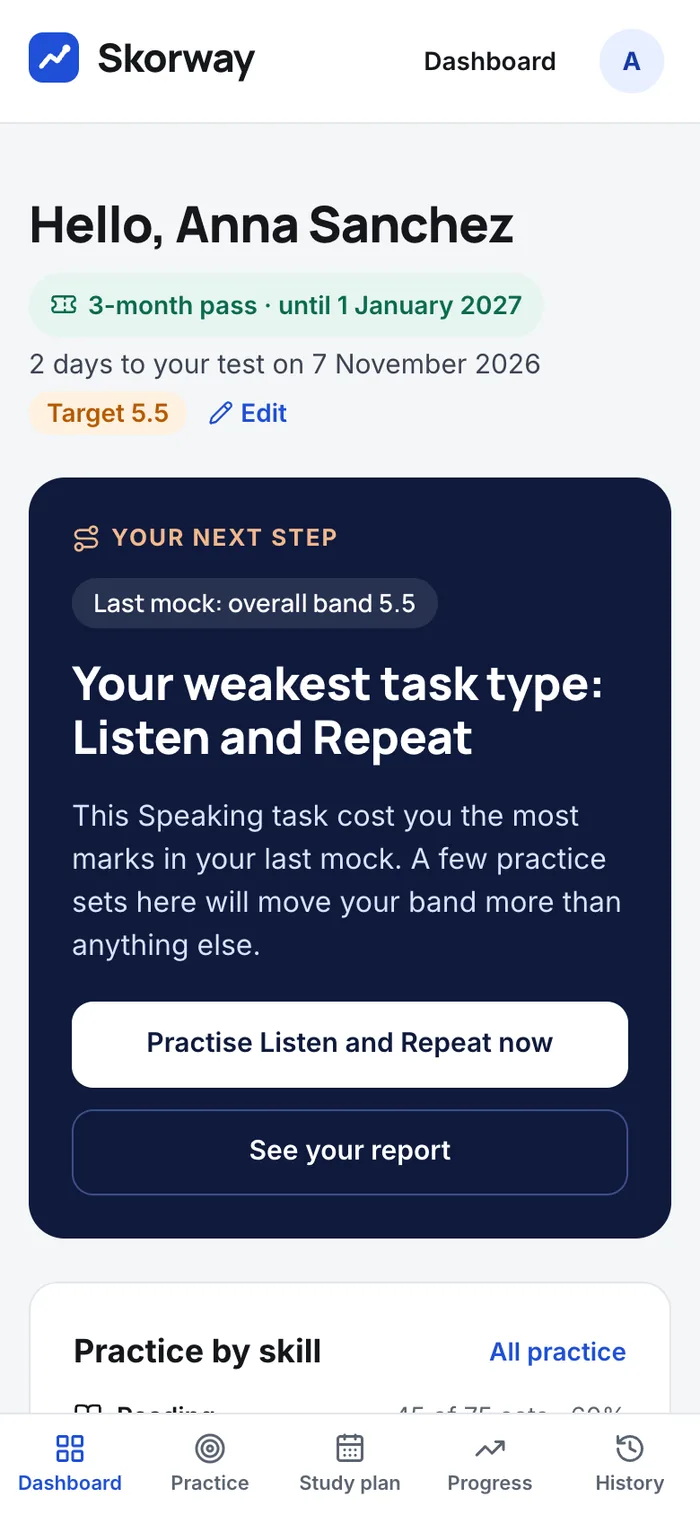
On a phone, the Dashboard, Practice, Study plan, Progress and History tabs sit in a bar at the bottom of the screen.
Mocks, practice and the vocabulary builder all work on a phone. For Speaking, use headphones in a quiet room. See Which browsers and devices work for Speaking?.
Still stuck? Email help@skorway.com and a person replies within one working day.